AI Note-Taking Apps: Best Uses for Meetings, Lectures, and Brainstorming
AI note-taking tools are designed to capture, organize, and summarize information automatically, so you can focus on the conversation instead of writing everything down. Modern apps like Otter.ai, Fireflies.ai, and Notion AI can record speech, generate summaries, and extract key points in seconds, making them useful across meetings, classes, and creative work.
💼 1. Meetings — Capture decisions and action items automatically
In meetings, the biggest challenge is not listening—it’s remembering decisions, tasks, and follow-ups. AI note-takers solve this by joining calls, transcribing conversations, and summarizing outcomes.
Tools like Otter.ai and Fireflies.ai can:
- Record Zoom, Google Meet, or Teams meetings
- Identify speakers and generate transcripts
- Extract action items and decisions
- Create searchable meeting summaries
This is especially useful for teams, because instead of reviewing long recordings, you can instantly see what was decided and who is responsible for each task. Some tools even integrate with workflows like CRM or project management systems, making meeting notes directly actionable.
🎓 2. Lectures — Turn long explanations into structured study notes
For students or learners, AI note-taking tools act like a real-time study assistant. Instead of trying to write everything manually, you can record lectures and let AI generate structured notes.
Apps like Notion AI or transcription tools help by:
- Converting spoken lectures into clean summaries
- Organizing content into headings and bullet points
- Highlighting key concepts and definitions
- Making notes searchable for revision later
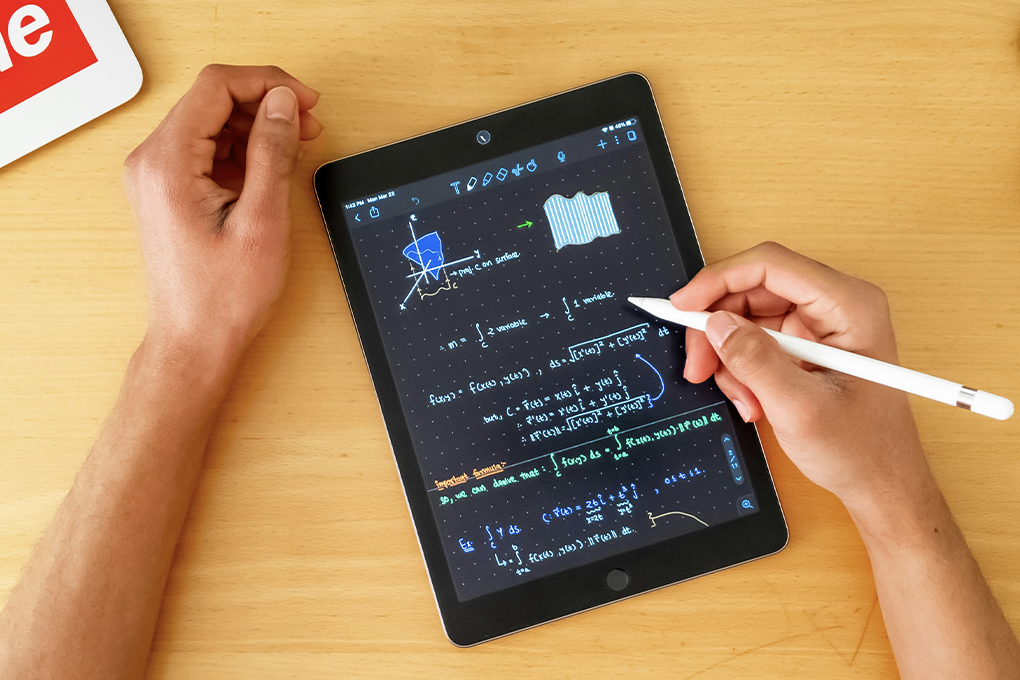
Some systems even support multimedia input like whiteboard photos or handwritten notes, turning them into digital summaries automatically.
👉 Result: You spend less time writing and more time understanding.
💡 3. Brainstorming — Capture ideas without losing flow
During brainstorming sessions, ideas often come too fast to write down. AI note-taking tools solve this by recording everything and organizing it later.
They help you:
- Capture raw ideas without interrupting creativity
- Group similar thoughts automatically
- Summarize discussions into themes
- Highlight potential action steps or next directions
Tools like Notion AI are especially useful here because they combine notes with organization features, turning messy brainstorming into structured content you can actually use later.